
An episode about repairing a small wooden boat can lose its identity behind a generic picture of ocean waves. A dramatic ship at sea might attract attention, but it suggests a scale and adventure the conversation never promises. Before a listener hears the opening sentence, the cover has already told a different story.
An AI Photo Editor can help prepare a more specific cover from a suitable source image. The first decision is editorial: which part of the episode should the picture bring forward? Start with the recorded material, then choose a visual subject that belongs to it.
The cover does not need to summarize every minute. It needs to give a listener a fair reason to begin. A modest object closely connected to the conversation can do that more effectively than an impressive scene that could accompany almost any episode in the category.
Find The Particular Story Inside The Broad Topic
“Boats” is a category, while a conversation about repairing a cracked seat in a family dinghy is a story. The latter gives the cover something concrete to work with: the small craft, a repair detail, or a relevant tool. Those choices point toward the episode’s actual focus.
Read the episode summary and revisit the passages that explain its central question. If the conversation is about why someone kept repairing an old boat, a glamorous sailing scene may miss the point. A weathered surface could carry more of the story’s character without pretending to show the exact repair.
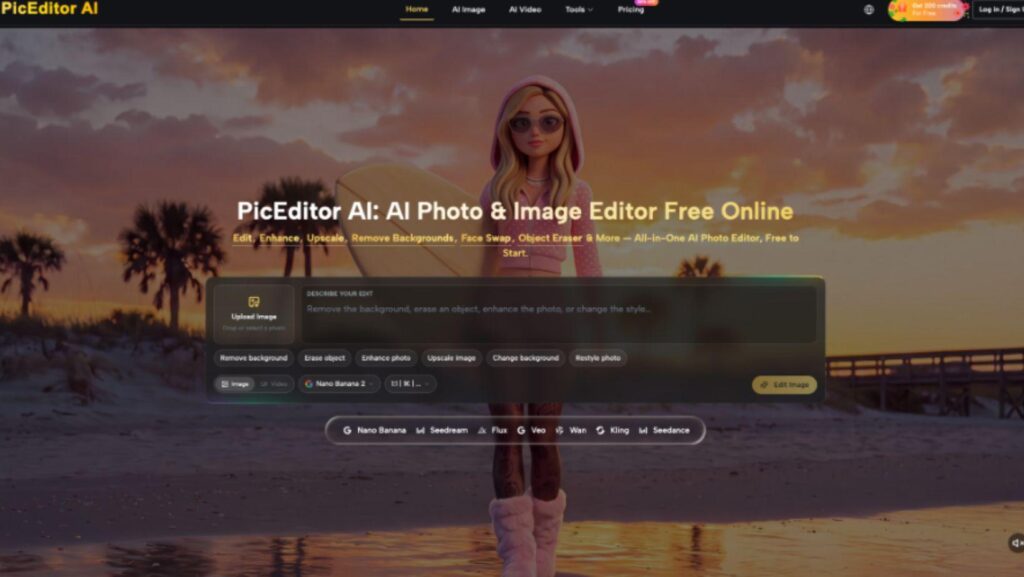
PicEditor AI supports image modifications based on an uploaded source. For an episode cover, that can help simplify the surroundings of a relevant photograph or explore a more legible composition. It should begin with a visual idea grounded in the audio, rather than supplying a new event for the episode to appear to document.
Decide what the image represents. An actual photograph of the subject, a general illustration, and a symbolic composition have different relationships to the recording. Keep that distinction in mind when choosing realistic details, especially when the episode concerns a named place or person.
A listener should not have to hear half the episode to discover that its apparent subject never appears. If the most prominent visual element is only loosely related, reduce its emphasis or choose another source. The boat’s age and modest scale belong to the imagined repair conversation; the weather offshore does not. Keeping those distinctions visible gives the listener a more accurate expectation.
Choose A Visual That Does Not Invent The Reporting
A realistic harbor scene can imply that the episode includes a visit to that harbor. A portrait can imply an interview with the pictured person. Those implications may be unintended, but they still shape what a listener expects from the recording.
If the episode is a studio conversation about boat repair, use a photograph you are entitled to use and a composition that fits that discussion. Do not fabricate a documentary-looking scene and present it as an image from a reporting trip that never happened.
When you edit a photo for the cover, distinguish a presentation change from a new factual suggestion. Removing an unrelated object from the edge of a general illustrative photograph may simplify it. Adding a dramatic wreck or a recognizable location changes the story the image appears to tell.
An AI Photo Editor can also alter small details that matter to the subject. A repair tool may change shape, or a modest boat may acquire features absent from the source. Inspect the part of the image that connects it to the episode, rather than reviewing only its atmosphere.
PicEditor AI offers background changes and other focused modifications. A bounded request to reduce surrounding clutter can leave more attention on the relevant object. Keep the source available and reject candidates that replace that object with a more spectacular but less appropriate one.
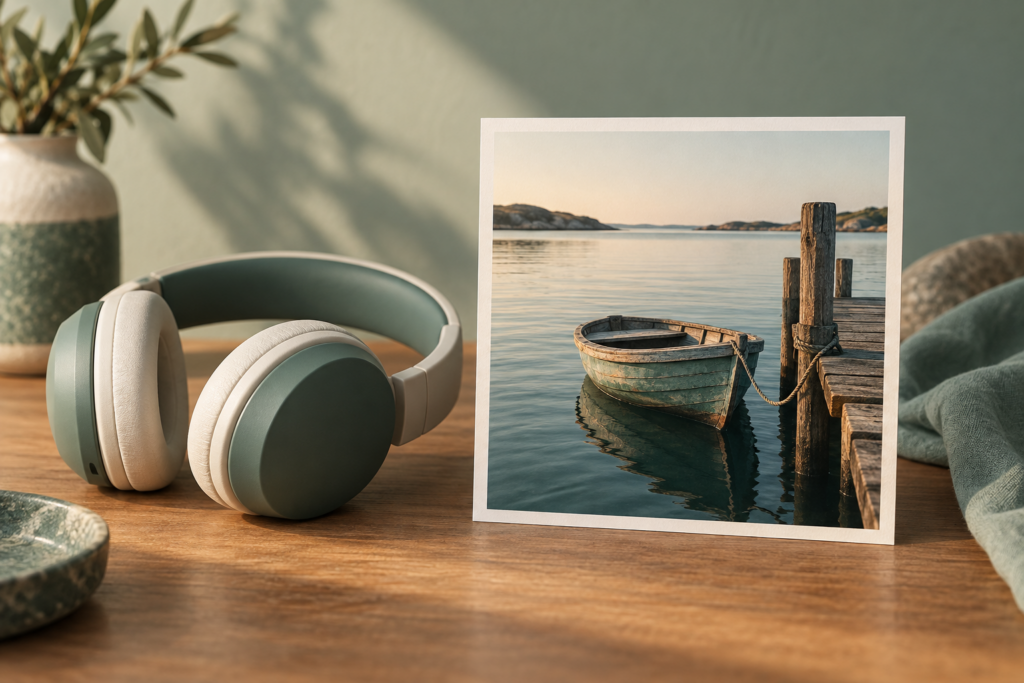
For the fictional repair episode, the image might show a small weathered boat at a quiet landing. That is enough to establish scale and subject. A storm, a rescue scene, or a large crew would introduce narrative promises the audio has not earned.
Compare The Cover With The Actual Episode
Write one sentence describing what the finished cover appears to promise. Then compare it with the episode’s central conversation. If the cover suggests an expedition and the audio is a practical discussion of maintenance, revise the visual before trying to explain away the mismatch in the description.
Read the title alongside the image. The two can clarify each other, but they can also multiply an accidental implication. A title about “the boat that stayed” may sound reflective beside a worn dinghy and sensational beside a shipwreck. Choose the pairing that matches the actual tone.
A decision to edit a photo should leave that relationship clearer. If another background or crop makes the image more generic, the edit may be moving away from the episode even as it becomes more polished. Keep the version that helps the listener identify this particular story.
View the cover at the small size used in a feed. The important object should remain identifiable without depending on tiny decorative details. If the boat disappears into a busy harbor, simplify the composition or choose a closer view that retains the subject’s relevant character.
Ask someone who has not heard the episode what they expect it to contain after seeing the cover and title. Their answer is a useful check on the promise, not a vote on the best color palette. A mismatch gives you a specific editorial problem to solve.
Keep the final episode version in mind as well. If an interview segment was removed or the emphasis changed during editing, the planned cover may now point to material the listener will not hear. Review the image after those decisions, rather than assuming an early concept still fits. If the repair segment has become a short aside, a close-up of that repair may now overstate its place in the episode. Choose a subject that reflects the final emphasis.
The Cover Should Earn The First Minute Of Listening
Before release, inspect the exported cover in its actual placement with the final title and description. Check the crop, the visible subject, and any wording placed around it. A sound editorial choice can still become confusing when a publishing layout cuts away the detail that made it specific.
PicEditor AI can help prepare a cover when the audio already supplies a clear subject and a suitable source image exists. It is useful for making that subject easier to see. It cannot decide which claims the recording supports or turn a generic picture into evidence of reporting.
Choose the image that gives the listener an accurate invitation into the episode. The small boat may be less dramatic than the open sea, but it belongs to the conversation. When the audio begins, the listener should feel that the promised story is arriving.