
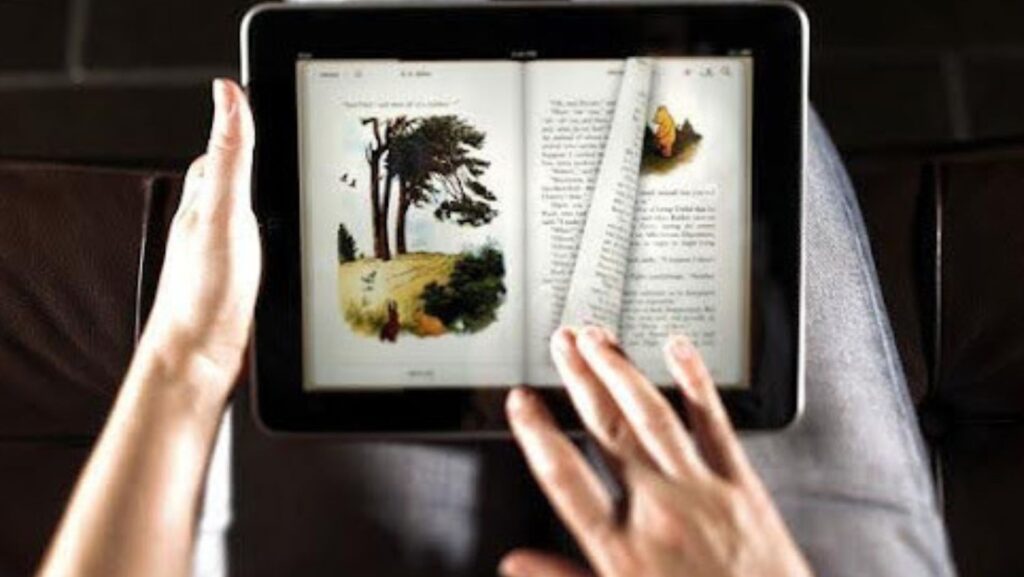
Your smart phone is not a phone to scroll social media and send text messages to friends. It is a mobile library, a classroom and a potent learning apparatus. By adopting the appropriate strategy, you will be able to make your every-day screen time more productive and more absorbing in the form of reading and thus make it possible to learn at any place you go.
This guide will walk you through some simple yet effective tips for digital reading. With such strategies, it is to turn your smart phone into a learning machine and more than ever it is now easy to get caught up in books, articles and newly emerging concepts over and above the phone. Let’s get started.
Optimise Your Reading Apps
Customise your app settings—it’s the first step towards a better digital reading experience. Most e-reader apps let you customise the display, dramatically decreasing eye strain and boosting concentration.
- Font Size and Style: Choose a font size that’s comfortable to read without squinting. Sans-serif typefaces like Helvetica or Arial are often easier to read on screen.
- Control Brightness: Adjust screen brightness to match your surroundings. Dim it in dark environments to minimise glare and brighten it in well-lit areas for better visibility.
- Activate Night Mode: Many apps offer a dark mode where light text appears on a dark background. This is especially useful for night reading, as it reduces blue light exposure that can disrupt sleep.
Taking a few moments to set up your free reading app correctly can make a world of difference to your reading comfort and stamina. You can download now and unlock a more enjoyable reading experience.
Use Text-to-Speech
Text-to-speech (TTS) is an amazing application, which translates the written or typed text into sound. With this tool, you can hear what you are reading, reading a book or document at the time you are doing other activities like commuting, exercising, or shopping. It makes an awesome option of consuming something you can not sit and read.

The built-in TTS features are in most smartphones, and reading applications often have this functionality as well. It is an excellent multitasker and can help you keep up with your reading list. Also the text will be read out aloud which can assist in understanding and remembering, particularly oral learners.
Take Notes and Highlight
Learning requires active participation. It is not sufficient to just read the text but to deal with it. You can use the in-built tools of your apps to highlight important passages, write notes, or mark special articles.
This is an online version of scribbling on the margins that enables you to digest the information at a deeper level. Your notes and highlights will act as a summary of the most important ideas that will be very handy when you review the material at a later date. This is one of the most effective tips for digital reading to boost retention. If you would like to get sucked into good tales then you can find sites where enemies to lovers read online and use the same active reading methods. The FictionMe app offers a wide selection of novels where this popular trope is explored.
Utilise Cloud Storage
Use cloud storage solutions such as Google Drive, dropbox or iCloud to keep your reading material systematised and ready to access. You leave your e-books, PDFs, and articles on the cloud to read them on any of your devices, smartphone, tablet or computer.
It is an indication that you would have the ability to begin reading an article on your laptop and then leave it on your phone when you had a lunch break. It makes your digital library something you carry with you always, that has been synchronized and is always there to extract when you have some free time to study.
Minimise Distractions
The smartphone is programmed to capture our attention with an ever-present set of notifications. You must reduce these distractions in order to establish a good learning environment.
- Turn Off notifications:- Turn off unnecessary notifications in social media, email, and other applications as long as you are reading.
- Enable Focus Modes: iOS and Android devices have Focus Mode or Do Not Disturb mode which have the customisation of only vital notifications.
- Time yourself: Back some blocks of time with the express purpose of reading. A timer is also helpful to help you achieve a consistent reading record.
The trick to making your smartphone a productive tool and not a distraction tool is by creating a distraction-free zone.
Discover the Power of Your Smartphone
Your mobile phone represents the gateway to the world of knowledge. You can make it an effective learning machine by optimising your apps, application of text-to-speech, taking active notes, making use of cloud computing and reducing distractions. All these basic tips will assist you to read more, learn more and get the best of the technology that you’ve in your hands most of the time.
So, why wait? This is why it is time to begin using these strategies and see how much you will be able to know only using your phone. You can even find ways to read books for free from smartphone by using a great free reading app.